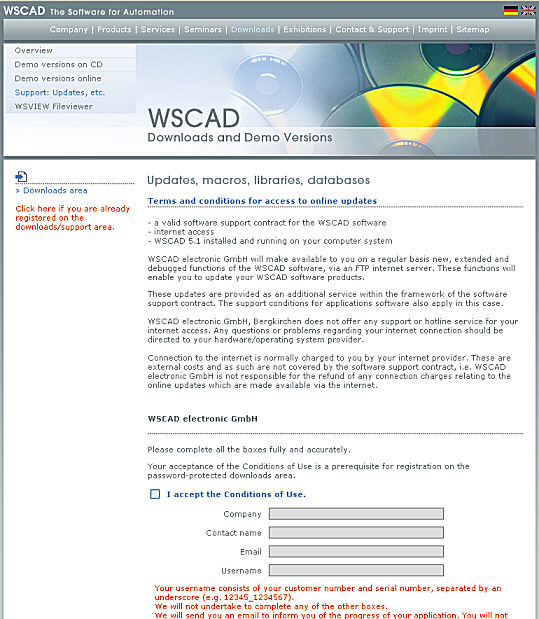
Updated libraries and databases as internet downloads in
the password protected area.
Make sure to observe the information concerning the conditions of use for
symbols with update protection.
Symbol_Use ©
To software maintenance contract customers, WSCAD offers a download area for symbols and parts data of different manufacturers. For this you have to be unlocked in the download area.
Enter your access data, then the download area opens, where you will see a list of the individual packages sorted according to manufacturer and series.
Click on >> B&R in order to save the corresponding package in the location of your choice.
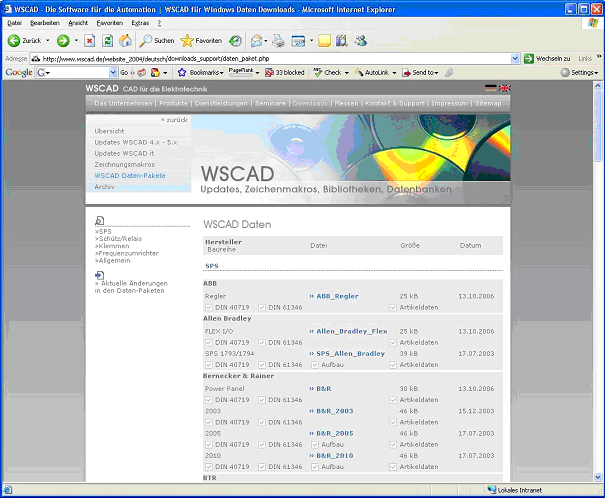
In the file Current changes, you can see which data is currently in the download area.
After having downloaded the data package, you carry out the command under Extras / Utilities / Import WSCAD data package.
Search for your data package (File name *.WSPKG) on your computer or on your network.
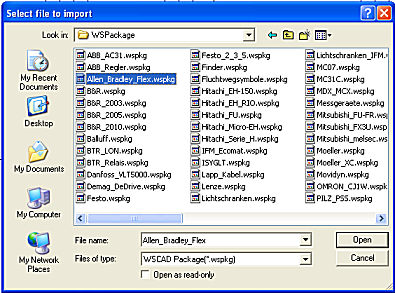
Select your package and click at Open.
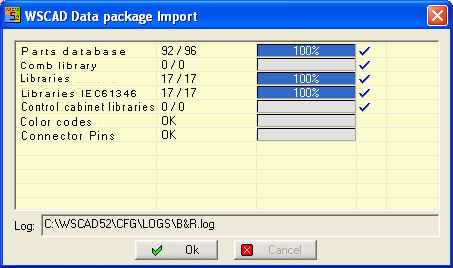
You will see all the import processes with success control. Not all packages have all import data. Parts data, cradle relay data, symbols (libraries), structure symbols (libraries) as well as cable and connector codes are all imported in one process without any need for you to intervene. Existing parts data are not overwritten.
In the log file (storage location displayed below), you can see exactly which data was imported. The data is immediately available. If you want to enter the package again, this log file will be overwritten.
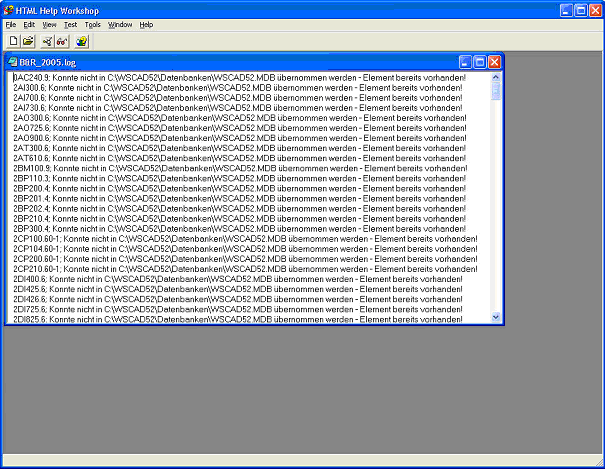
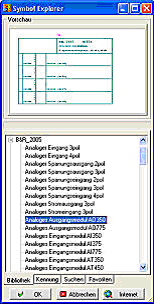
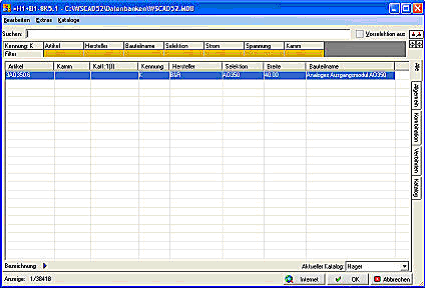
After package import, the symbols or libraries as well as the parts data are immediately available.