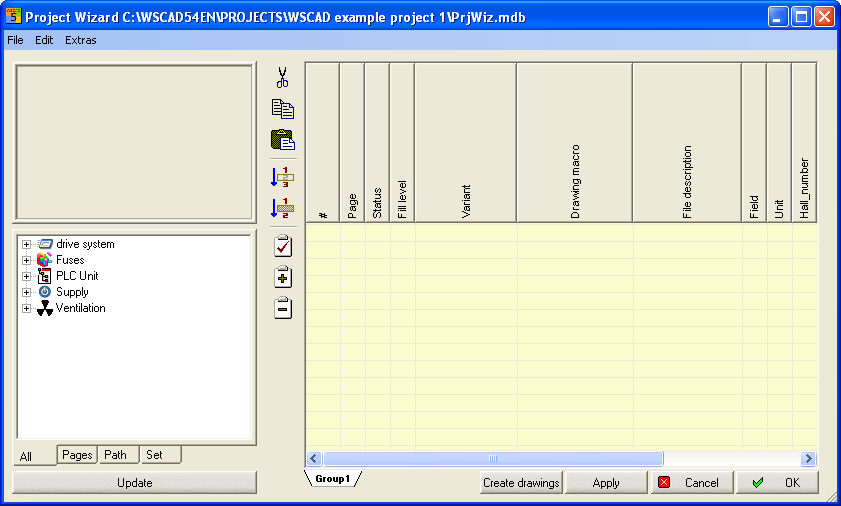
The project window is the "heart" of ProjectWizard. Here you are organizing your schematic for your needs. All used macros/variants and sets were central administrated here. All existing text allocators in the macros can be indicated and edited here for working on furthermore.
Following text allocators are defined definitely and can displayed optionally.
|
WSCAD - Text allocator |
Comment/Description |
|
Page |
Can used in the drawing for <page> |
|
Status |
View of status: ? = not all values are filled in |
|
Fill status |
Display how much place is on the page (Path-Macros) |
|
Drawing macro |
Name of the used macro |
|
Variation |
Name of the used Variation (on '*' means: Variation has been changed afterwards |
|
File content |
File content, is used for content summary |
|
Comment1 |
Additional content for content summary |
|
Comment2 |
Additional content for content summary |
|
Unit |
Unit reference, it is for drawing pages |
|
Field |
Field reference, it is for drawing pages |
|
CPP-Description |
Additional description for a CPP-Project |
|
CPP-Comment |
Additional information for a CPP-Project |
|
CPP-Text1-Text5 |
Additional information for a CPP-Part Project |