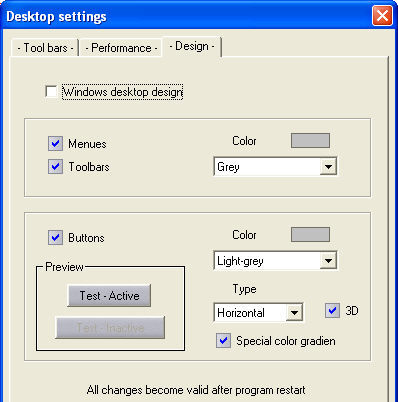
This is a new feature in regard to the graphics appearance of the WSCAD 5 screen. You can include the features of Windows XP / 2000 by the way you configure an individual design.
The Design tab provides all the tools which are required for this purpose.
The Preview immediately displays a dialog button with the settings updated. Here you will see, for example, the type of colour blending, horizontal and 3D.
The settings must be made separately for WSCAD 5 circuit diagram editing, installation diagram editing and module building and are only updated after the program has been restarted.