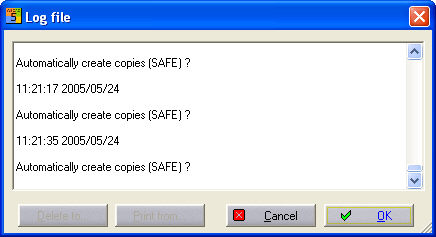
Use the option Help / Error log or start a list directly to give you an overview of all the messages which have been generated for the current project with the date and time. This will enable you to understand your work procedures better. The list is arranged in chronological order. The button Delete until removes all entries prior to the selected entry. The button Delete from removes all entries after the selected entry. Cancel aborts the deletions and closes the dialog. OK accepts the changes and likewise, closes the dialog.