 Use this command also to start the Help,
but this time in Search mode:
Use this command also to start the Help,
but this time in Search mode:
Use this command also to start the Help,
but this time in Search mode:
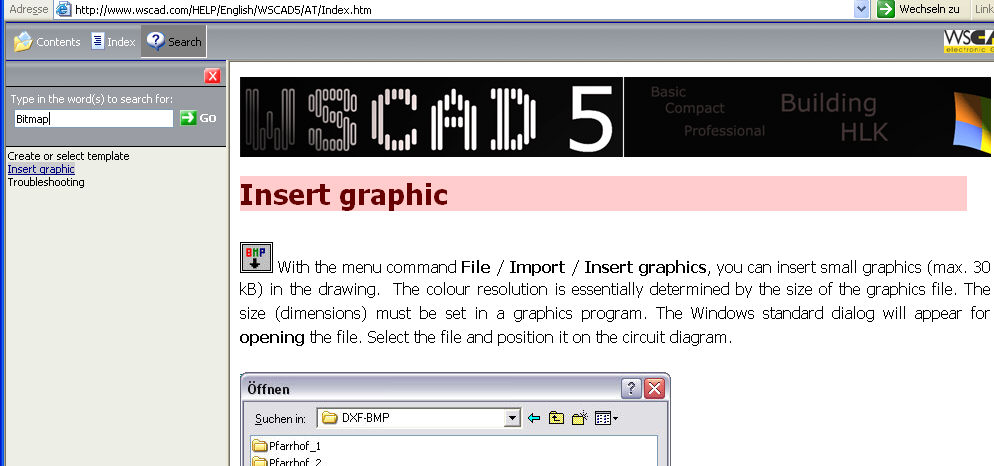
Sometimes, the index file which is necessary for this is not created so a dialog appears beforehand in which you can start creating the index file. This usually only happens when starting the Help in Search mode for the first time.
It is usually better to look in the last pages of the reference manual in the index where you will find an alphabetical list of headwords and keywords. The page numbers refer to the relevant places in the book.
Alternatively, when the mouse cursor is on a menu option or inside a dialog, you can press the F1 key to invoke the Online Help for this particular topic.