Online help overview
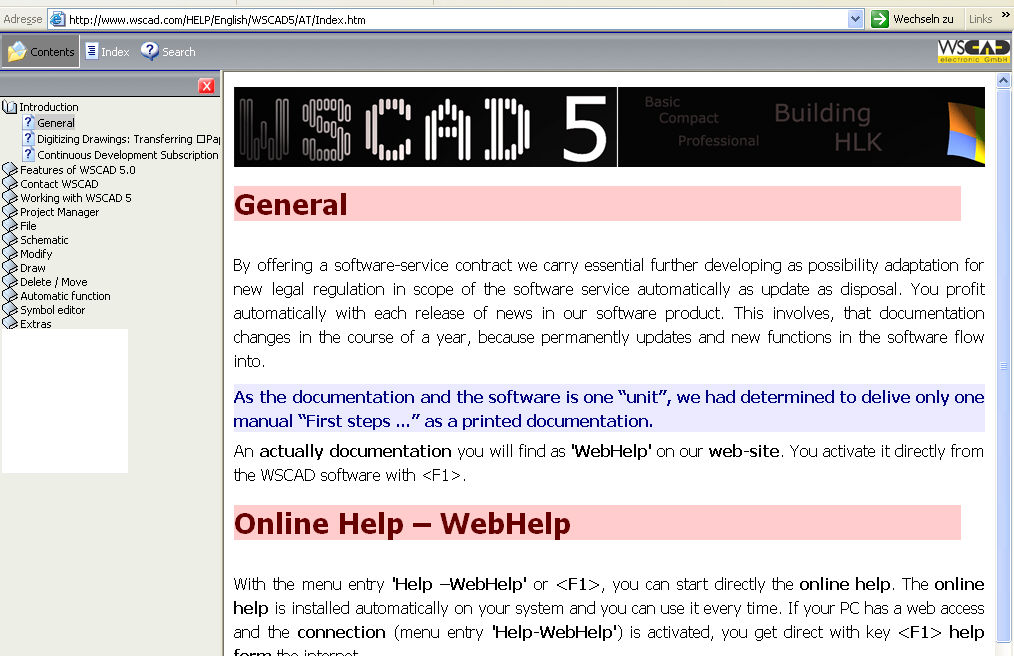
 The Online help is started directly
by using the menu option Help / Overview or <F1>.
The Online help is installed on your system as standard and is
therefore available at any time. If your PC has internet access and you
have activated the connection (menu command Help / WebHelp),
then the help data are loaded directly from the internet.
The Online help is started directly
by using the menu option Help / Overview or <F1>.
The Online help is installed on your system as standard and is
therefore available at any time. If your PC has internet access and you
have activated the connection (menu command Help / WebHelp),
then the help data are loaded directly from the internet.
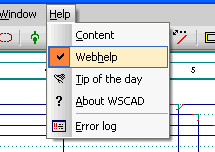
If you now wish to access
specific information on a topic, press the F1 key and the relevant
data will be loaded directly from the internet. You
will find the information on the topic which you have just selected.
Note
The files for the online
help on our homepage are constantly updated. These files are supplemented
with tips and pieces of advice which can be downloaded from the internet
to be displayed on your system at any time.