In order to use the automatic functions of the Contactor Manager, Contactor Management must first be activated in the configuration (Professional Version only). Therefore, check the configuration Parameters / General / Contactor and PLC / Activate Contactor Management.
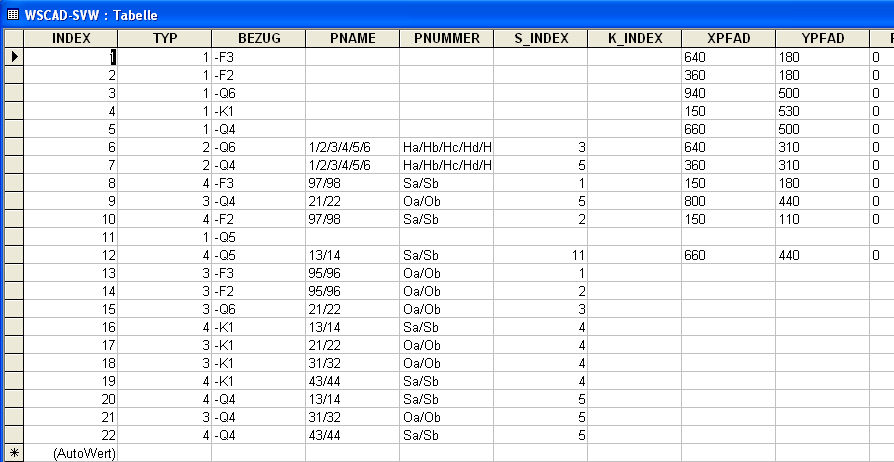
Contactor Manager is invoked via Automatic / Contactor / Contactor Manager and displays the contents of the contactor database. This database (WSCAD-SVW.mdb) is located within the relevant project directory.