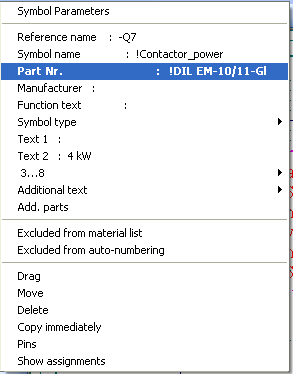
The part numbers can be re-assigned by clicking directly on the symbol parameters.
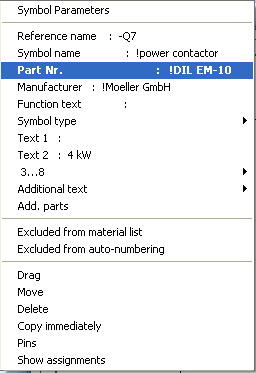
The part number is transferred from the database to the symbol parameters.
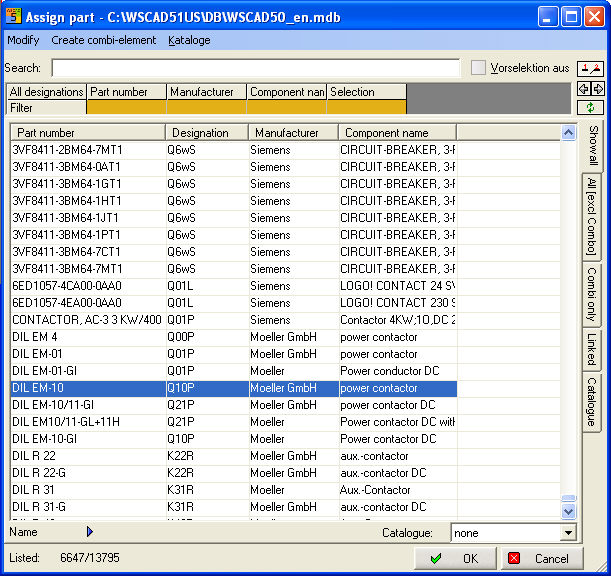
If a number already exists, this is overwritten but the position and visibility remain unaltered. If not, the part number is marked invisibly and positioned beneath the reference name.
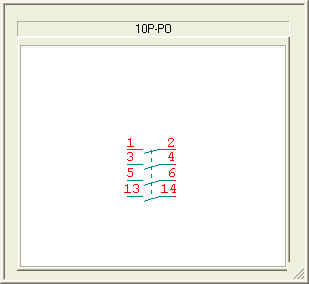
The contacts, the contact comb and the contactor database are automatically corrected (with the Contactor Management switched on).