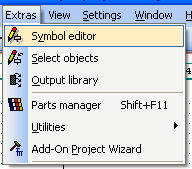
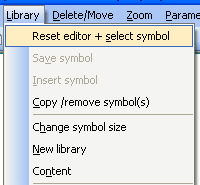
The contact comb can be created manually in the symbol editor. However, if it is desired to expand the contact combs subsequently which are already present on the circuit diagram, then Contactor Manager must be used to do so.
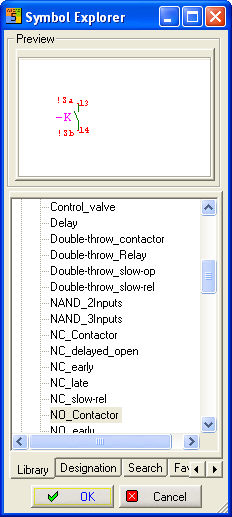
Start the symbol editor and load an existing contact.
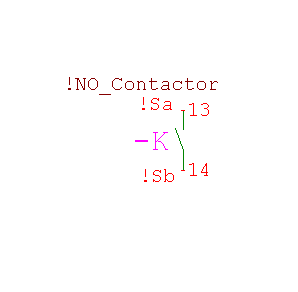
Once the contact has been loaded, it is possible to edit it graphically (menu symbol) and edit the connections (menu Pins) also.
All contact combs must be saved in the library (CONTACTCOMBS.BIB) which is set under Settings/Common settings/ Directories. This setting applies to all projects regardless of which standard has been set in the Project Manager.
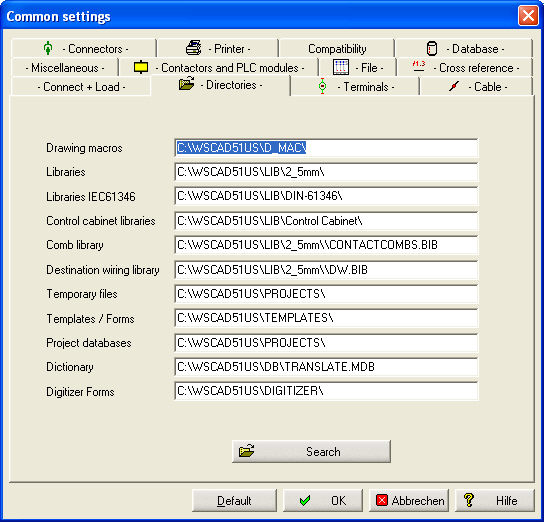
If you have created your own contact combs and / or comb directories, then it is advisable to copy all the comb symbols into the new CONTACTCOMBS.BIB of WSCAD Version 5.1 by using the function Copy /remove Symbol(s) of the symbol editor.