mean the same).
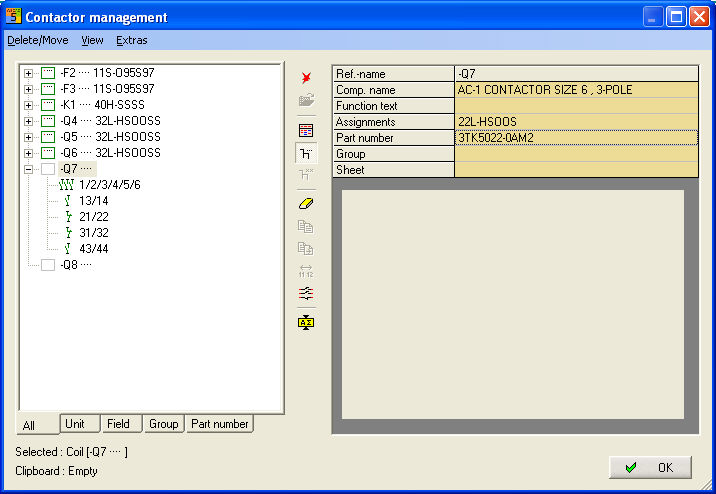
You can delete from the circuit diagram via the command Contactor Coils. The symbols are removed at the same time and you can decide whether the associated contacts should also be deleted.
Select a reference or several
references and invoke the menu item Modify / Delete (The Del command and the symbol mean the same).
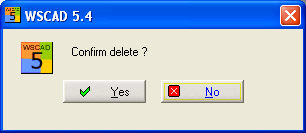
First, you must generally confirm with Yes or No.
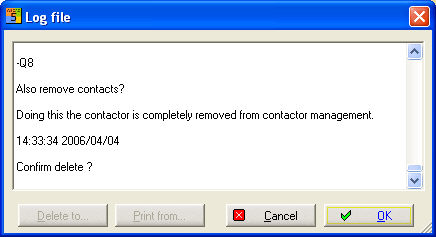
Then the marked references are listed with the message as to whether the contacts should also be deleted Yes No Cancel.
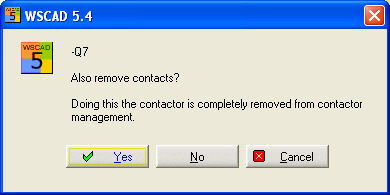
With Yes, the affected symbols are removed from the circuit diagram and the connection lines are completed.
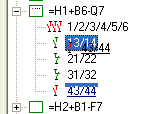
Contacts of identical type can be moved both within a reference and between different references. To do this, you only need to move the assigned contact to the new position with the left mouse button held down (drag and drop). This can also be done via the menu Modify / Copy and then Modify / Move.
Example of moving a normally-closed contact
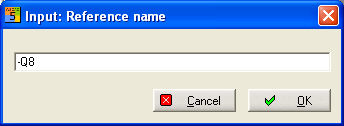
With the command Modify / New,
a new reference can be created directly without a symbol. The symbol
 can also be used.
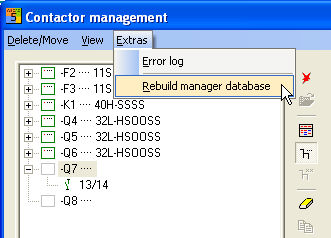
With menu Extras / Rebuild
manager database ( )
the reference is then shown as
a virtual coil.
)
the reference is then shown as
a virtual coil.
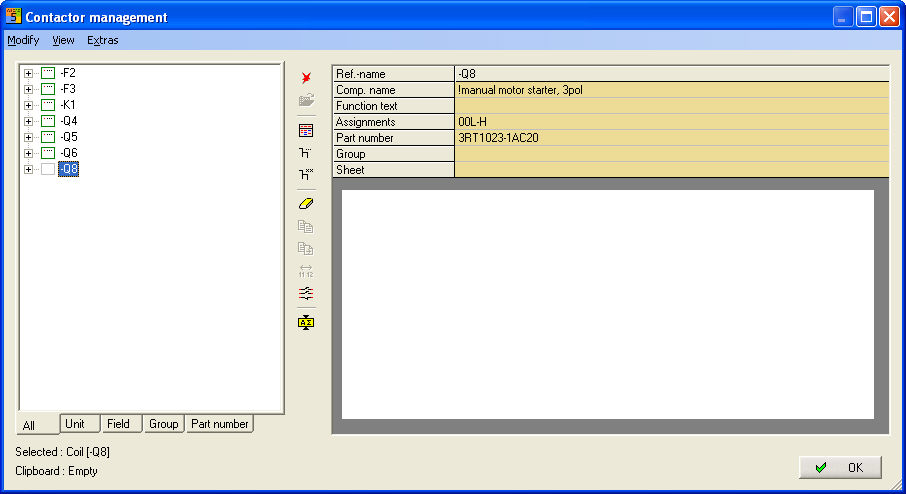
Extend
Starts the Extend
Dialog.
The symbol  can also be used.
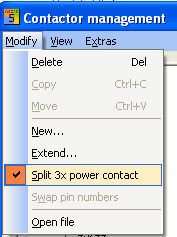
Power contacts are usually issued with 3 poles. However, if you require the power contacts separately, then a non-assigned 3-pole contact is converted into 3 individual power contacts.
Result:
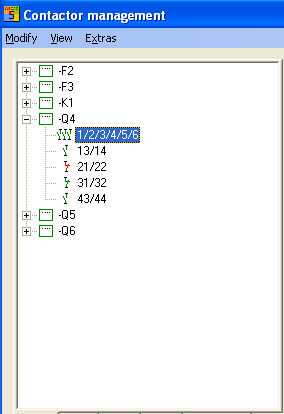
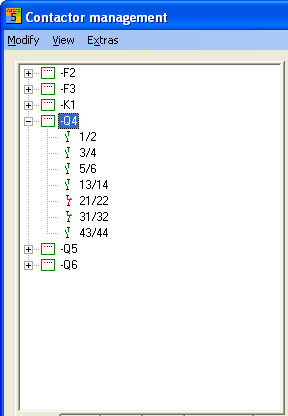
It is not necessary to create a new symbol for the contact comb nor assign a new item to this reference. When issuing the contact in the circuit diagram, however, the symbol for the individual power contact must be used.
Swapping over contact numbers
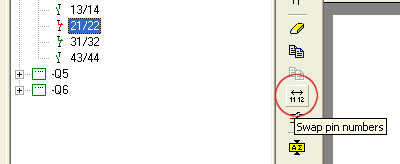
The contact numbers can be rotated
simply by selecting the contact concerned and executing the menu item
Modify/Swap pin numbers ( ) The symbol remains intact.
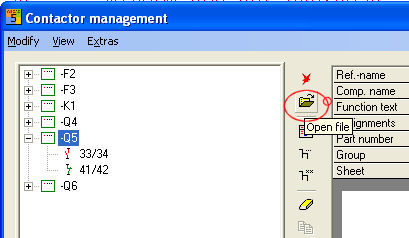
Open file
This menu item enables a kind of Go-To function. Activate
this menu item after selecting a reference loads the circuit diagram page.
Alternatively, the symbol  can also be used.
Stack of contacts or Function Text
The function texts and the Stack of contacts (designation of the contact comb) can also be shown. The menu items View /Stack of contacts
( ) and View / Function text (
 ) are available for this purpose.
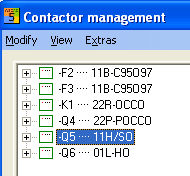
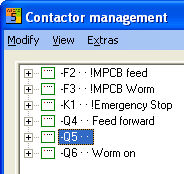
Modifying the Function text on the coil, all contacts will be updated. This is the same when setting a coil and virtual contacts are set.
Filters
Filters can also be used to restrict the associated references which are displayed and which have been set in Filter1 and Filter2.
Enter the references to be filtered.
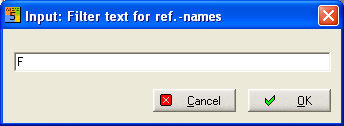
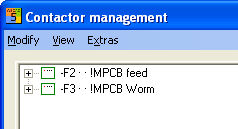
Then, only those references will be shown which correspond to Filter1 or Filter2.
Error log
This is a file which records all error messages from the contactor project database formation. This can be selectively printed out or even selectively cleaned.
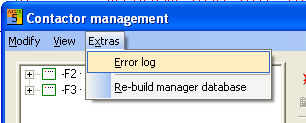
Rebuild manager database
Update of conductor manager database () .
Changing Part numbers
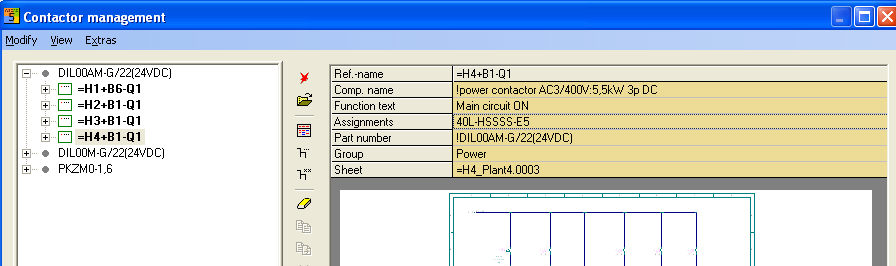
A new Part number can be assigned for one reference or several identical references. In order to do so, you must select the references (multiple selection is also possible) and double click in the field Part numbers on the right hand side of the Manager.
The database selection then opens. Select the new Part number from there.
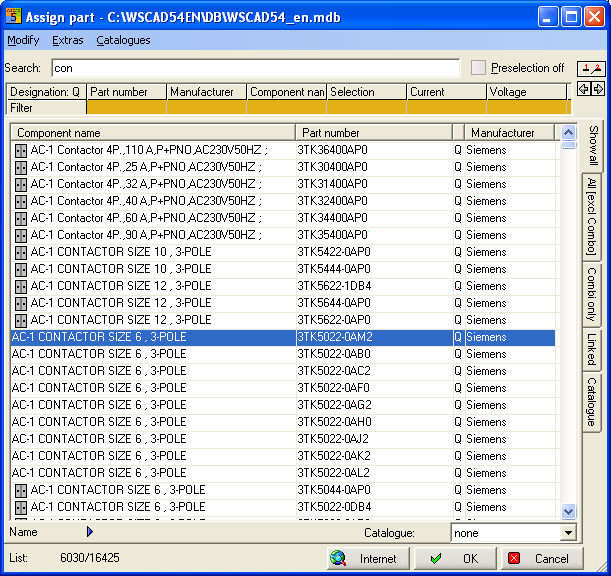
This Part number is transferred to all selected references, regardless of whether the assignment is sufficient or not.