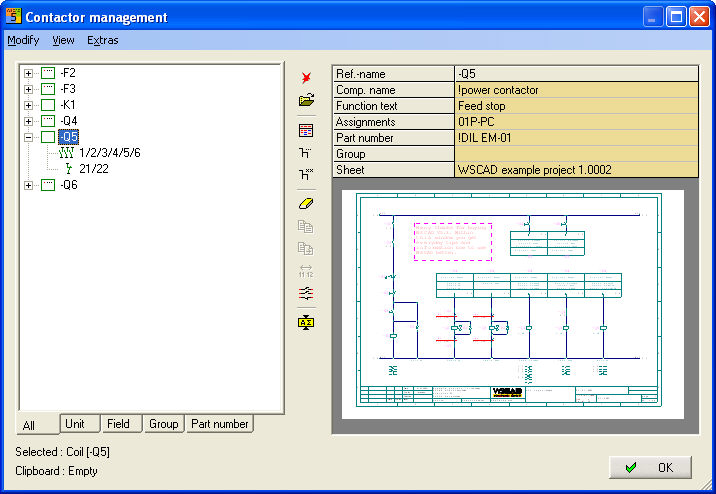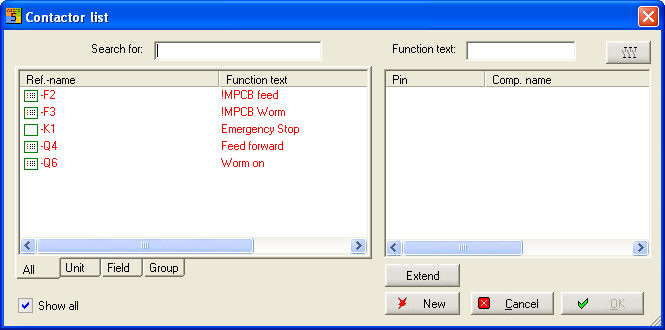
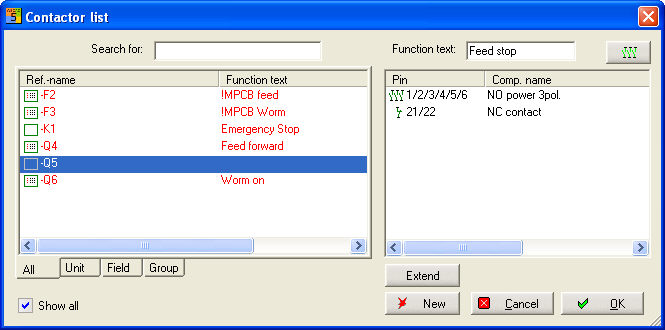
When loading a coil symbol (-Q, -K or motor contactor –F), you will obtain Contactor list which shows all the contactors available on the circuit diagram when the fully automatic Contactor Management is activated after the contactor coil has been positioned.
A new reference name must now be specified via the button New. Normally, a reference which does not exist will be suggested which you must then overwrite.
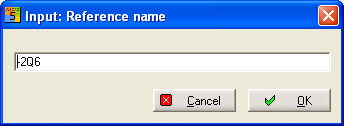
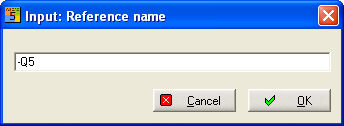
After clicking on OK, Database starts automatically with the pre-selection –Q or –K depending on the reference name. Now pick out the affected item (contactor) in Item Management. The pre-selection can be shut down using the option Pre-Selection Off and all the items will then appear in your database.
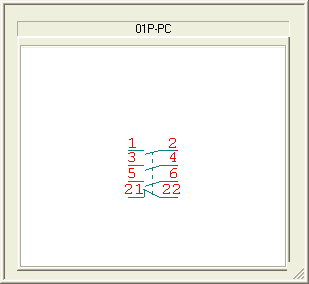
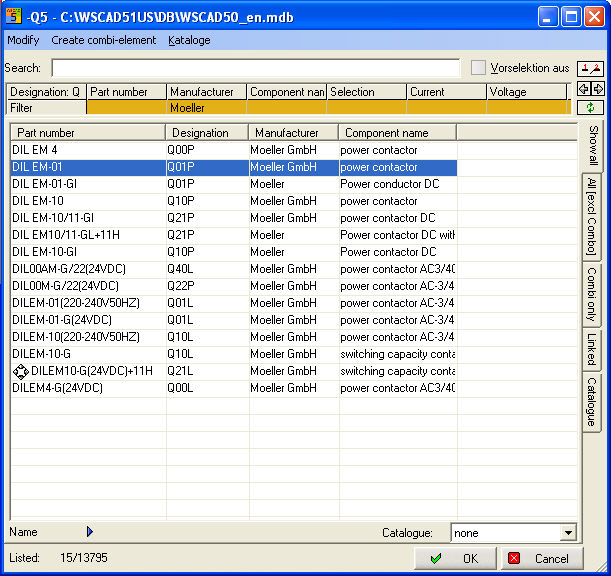
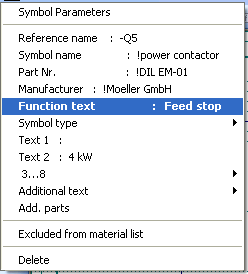
After assignment (double click) the data are transferred to Contactor Selection and therefore to the contactor database. Also enter the function text immediately.
Extract from WSCAD-svw.mdb

After clicking on the OK button, the symbol parameters are invoked for editing again.
If no changes are necessary or if changes have already been made, then cancel the process with the ESC key and position the contact comb which has been transferred from the item database. The entry in the field Comb in Item Management represents the symbol name of the associated contact comb. With this, a search is carried out for the corresponding symbol in the current comb library (e.g. CONTACTCOMBS.BIB, depending on the configuration) and it is displayed. It can then be placed on the circuit.
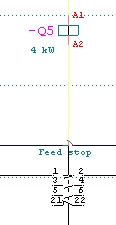
Naming a contact comb
The contact comb is automatically given the same reference name as the coil (the association is therefore specified unambiguously) but it is marked invisible.
Cross reference
The cross reference of a contact to a coil is written on line underneath the reference name (if not barred in the configuration). The cross reference is written on the contact just loaded at the corresponding position of the contact comb on line, even if the comb is located on another page.
Re-building contactor project database
If the contactor project database is rebuilt now, then a log file may appear showing all the incomplete contactors. This can also be selectively printed out. You are then automatically guided to the Contactor Manager which shows all the contactors for the project. The contact comb is recreated at the same time.