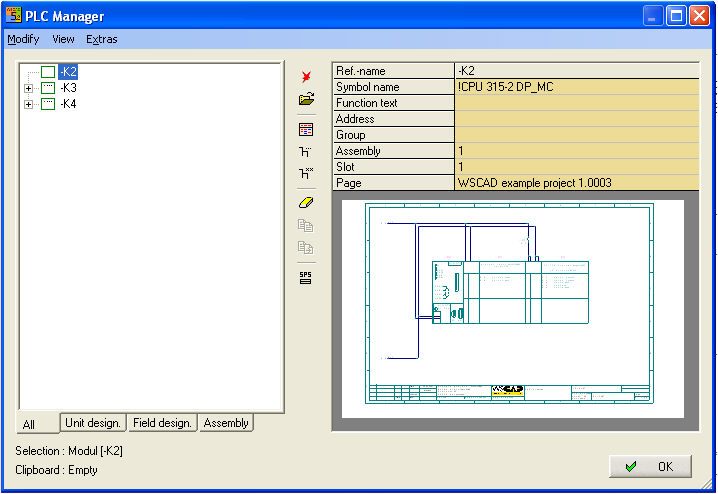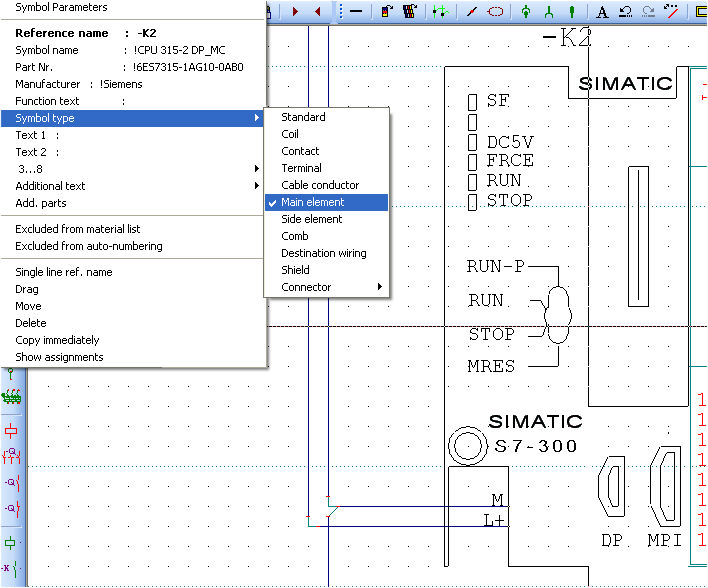
To document a PLC assembly in the PLC manager completely you must represent also the PLC CPU. This is not possible without special entries in the symbol. You can transfer with the menu Automatic funct. / PLC / Include symbol into PLC manager the PLC CPU into PLC manager . Start the menuitem and click with the left mouse button on the symbol. Several symbols can be clicked. You break with a right mouse click.
The missing entries in the symbol are made automatically. The Symbol type is changed to Main element and thew text allocator sps-m is invisible positioned at the symbol.
Create new PLC manager file then the CPU is integrated into the PLC manager.