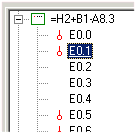
Changes are immediately transferred to the database and the diagram pages.
File functions
In the menu Edit / Open, the respective file of the Preview can be opened.
Entries for addressing
Entries are possible in both preview modes, List and Detail; comments, system text, address (connection), pin number, assembly and slot can be changed.
If the main modules are loaded, the addressing can be easily changed. If you change the basis address of the module, but wish to leave the individual groups in the previously assigned sequence, simply change the number at the end of the text.
Examples
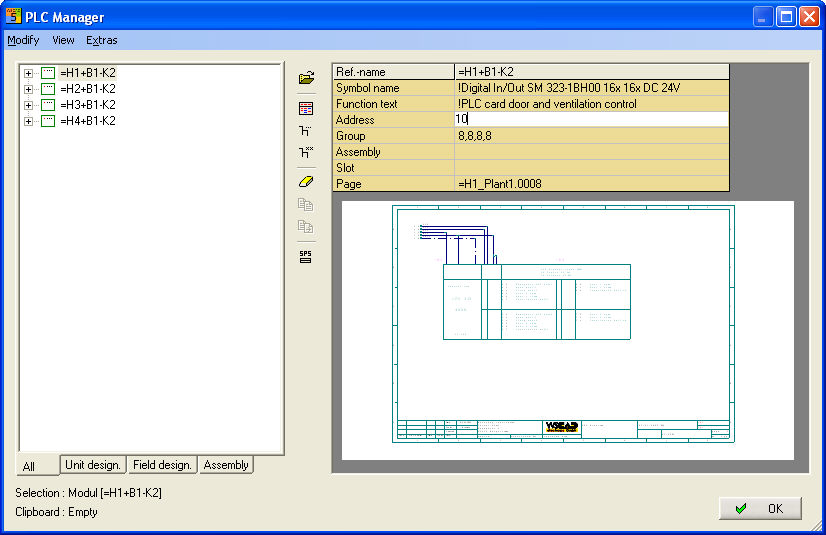
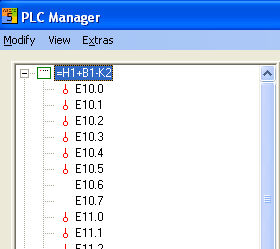
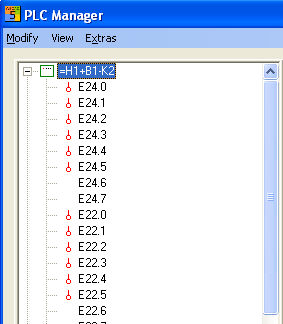
You have Module 6ES5 434-4UA12 with 4 groups with 8 digital inputs each. When 10 is entered, the outputs have the designations E10.0 - E10.7 , E11.0 - E11.7, E12.0 - E12.7 and E13.0 - E13.7 and occupy the corresponding addresses. If, however, you wish to change the individual groups separately, you can assign an address for each group within the module.
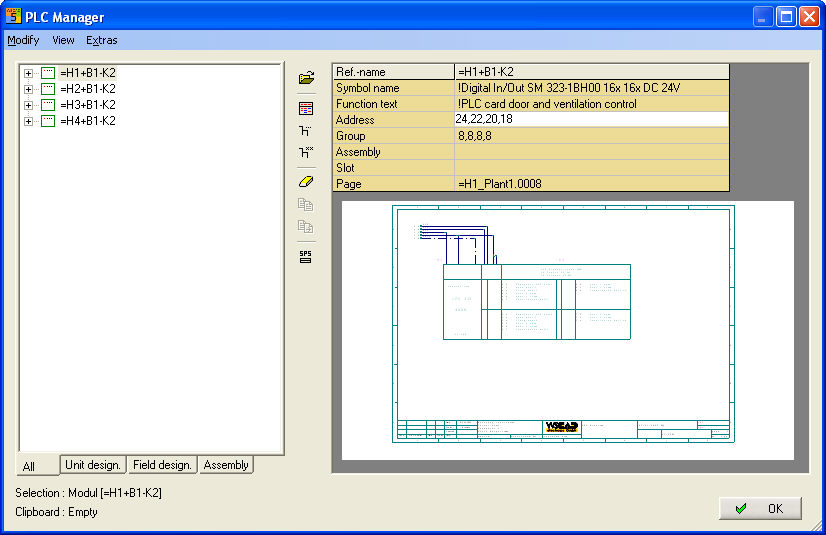
If you enter 24,22,20,18, the entries have the designations E24.0 - E24.7, E22.0 - E22.7 etc.
Byte addressing. The Byte (address) can be changed. If, for example, 10 is entered, then the address of each group will increase automatically via the definition in the main module.
Hexadecimal addressing
Byte numbers and bit numbers may also be hexadecimal, in which case, there must be at least one space before the byte number.
Special case addressing
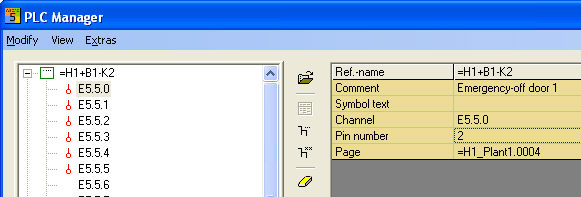
Changing the 1st address of a group in Detail mode. In this case, the bit (connection) can be changed but this will also change all other bits in the group at the same time.
Deleting PLC main or auxiliary elements
The individual main or auxiliary elements can be easily deleted by selection and choosing the menu option Edit / Delete or using the Del key (several can be deleted at a time by using the Ctrl and Shift keys).
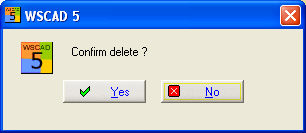
If you choose Yes and you're deleting a main element you must to decide whether the side elements to be along-deleted be supposed.
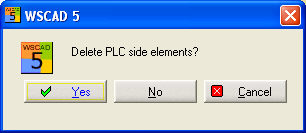
When you confirm the prompt with Yes, the elements will be deleted from the drawing and the status released again.