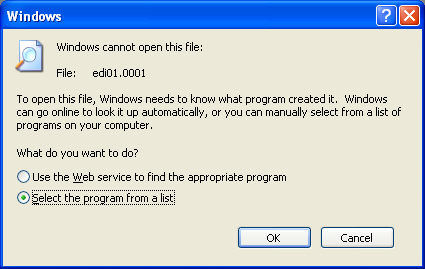
If you double-click on a WSCAD circuit chart file (e.g. *.0001) in Windows Explorer, you receive the program selection dialog. Here you select a program from a list.
Now search in the WSCAD program directory for the Startxxxxx.exe file, which is responsible for correctly starting the program.
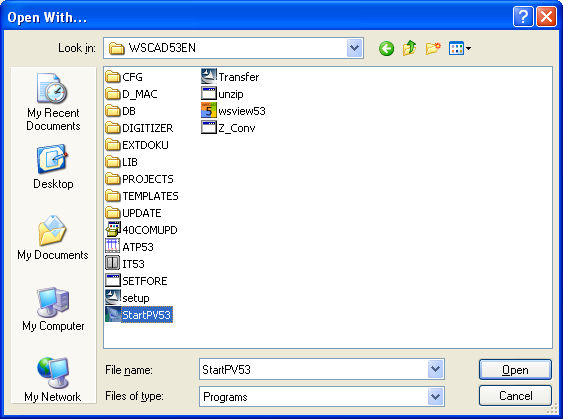
In the assignment dialog, you now enter the WSCAD application and thereby assign it to the file ending in *.0001 (and only this one).