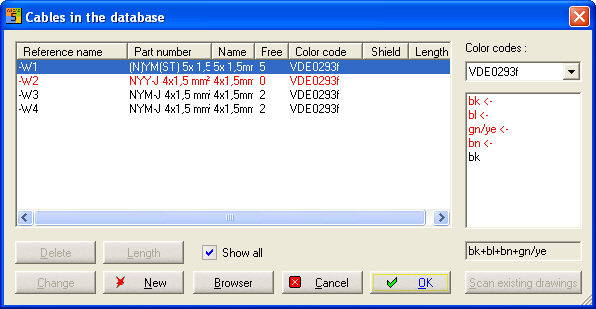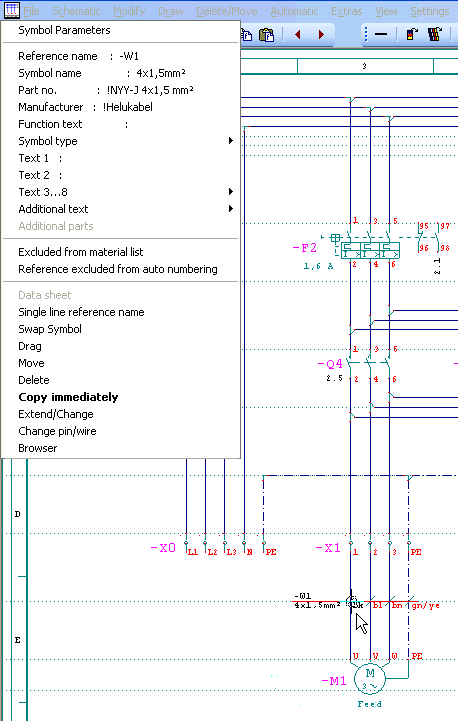
Position the cursor to the relevant wire line and open menu with right click. Open command Extend/Change. With this function cables can expand, new positioned or reduced (less conductors). If you expand cables you should consider that enough free conductors are available. Use the cable management too.
Extension or reducing are determined with the drawing line. All conductors which should be in the cable must be crossed with the drawing line.
Example: Expand a cable
Starting point
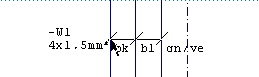
Ending point
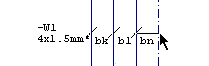
Additional conductor gets the color gn/ye: