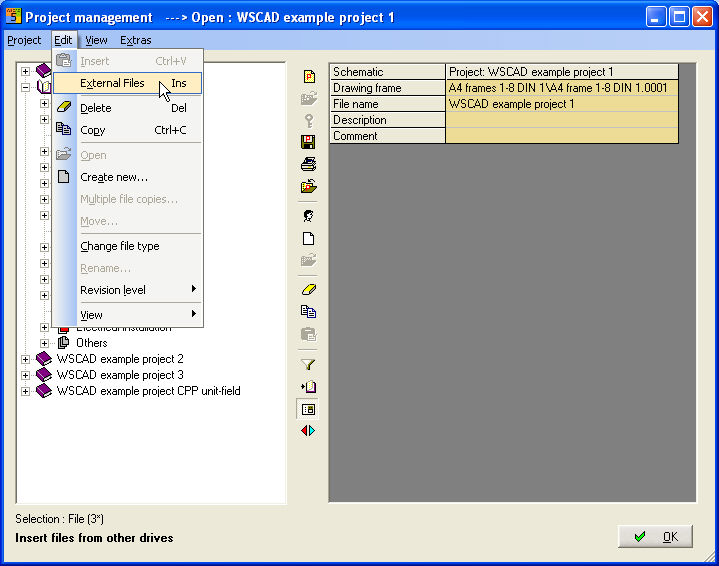
In an opened project you can insert external WSCAD-Files. The files must have an importable WSCAD-Format. You have to select an folder in the project to activate the command External Files in the menu Edit of the Project management.
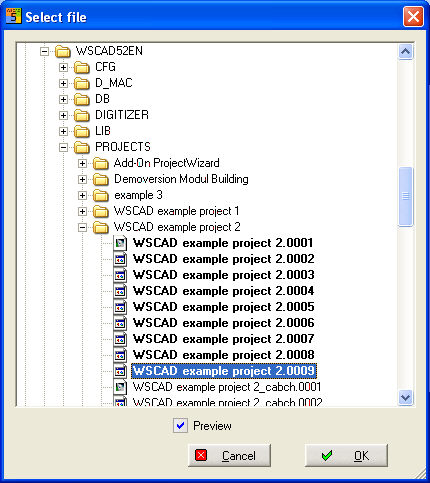
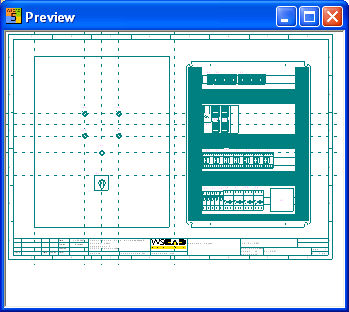
The dialog Select file opens and you can choose your file or files to import in the opened project.
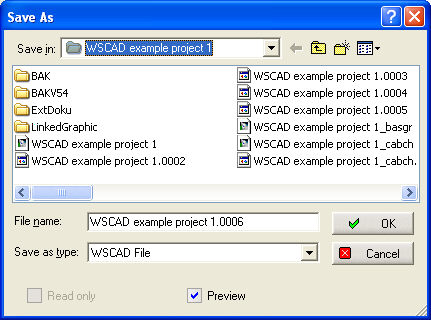
Subsequent the Windows dialog opens to determine the numbering of the file names.
Hint
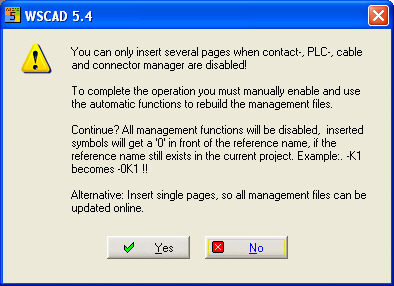
If more pages with Contactors, PLC's,Cables or Connectors
should be imported, it is necessary to stop the appropriate Automatic
management. Rework must be done manually.
If a single file is added, the Automatic functions starts automatically
to update the belonging elements.