The same possibilities are provided in the upgrades Professional, Compact and Basic with the especially option of the Symbol Explorer. With the menu schematic and command 'Load cabinet layout symbol' the dialog can be activated.
It has especially properties in the relation to the normal Symbol Explorer:
Loading a mounting symbol is only possible in the schematic type 'Control Cabinet'.
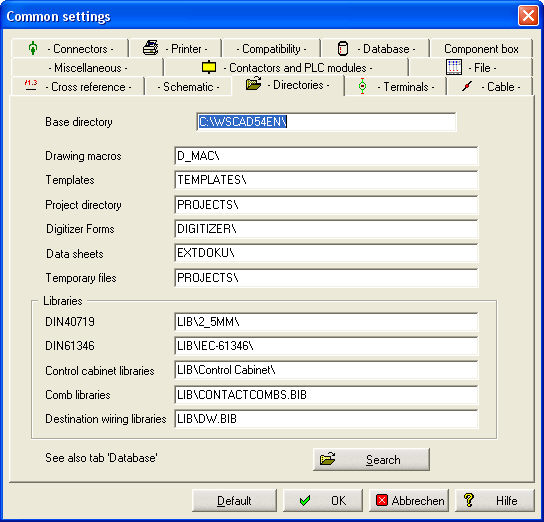
The opened path is that of the defined one in the Common settings
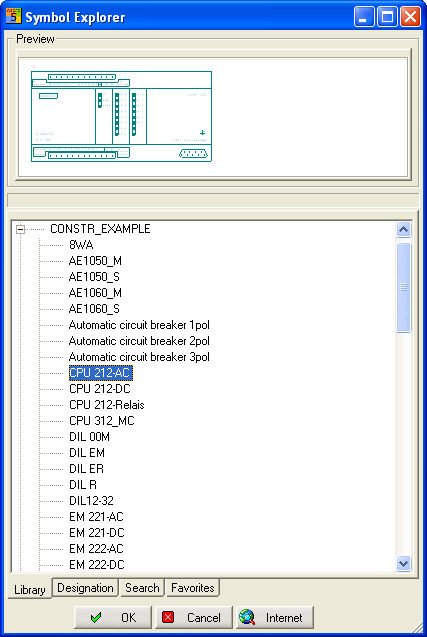
In the directory are the earlier layout libraries with the short names which are only used in the Professional Version with the type CCM. Here as well are the standard symbol libraries with the long names. Now these one are converted to the drawing scale 1:1. That is visible in their names too.
Copy and convert your own layout libraries in the same way.
The dialog is extended with several adjustments which are only can be done in the Professional Version with the type CCM. Click in the dialog the button hammer right below ! The desired functions can you switch on/off with a click. The switch state is marked with a hook.
Short Overview
Option Reference: Reference is shown Yes/No
Option Reference Move: after setting Symbol, Reference is positioned manually
Option Reference visible: The Reference is shown visible and doesn't hide lines or text
Centered: If active, the Symbol body is centered to the cursor
Auxiliary lines: could be switched on/off in the schematic type Control cabinet. Auxiliary lines could activated and deactivated with Short-Cuts !