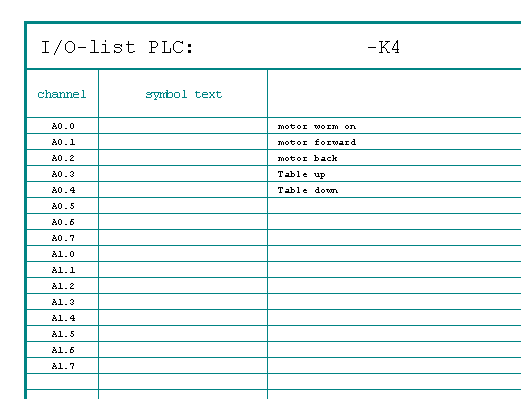
The PLC-Chart creates an overview of single PLC components sorted to reference names. The Input- and Output addresses show the belonging parameters like symbol, comment and place (page/path).
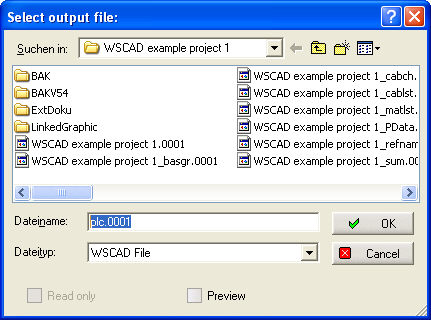
A single call has done with the menu Automatic/PLC-Chart and the following dialog is shown. Define the file name.
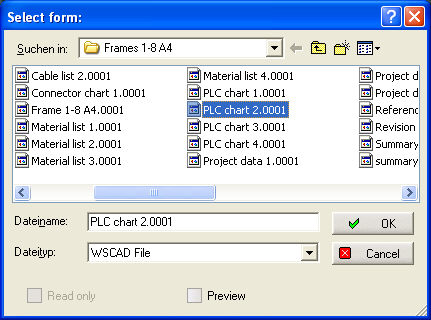
After defining the file name the desired template is to choose.
The document looks like that.