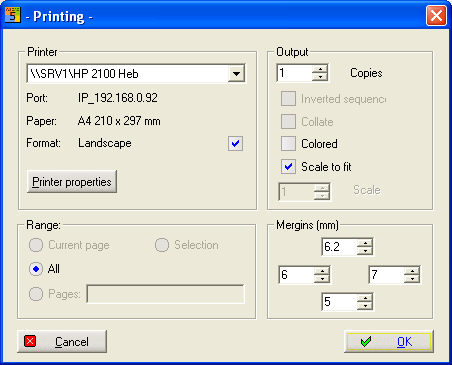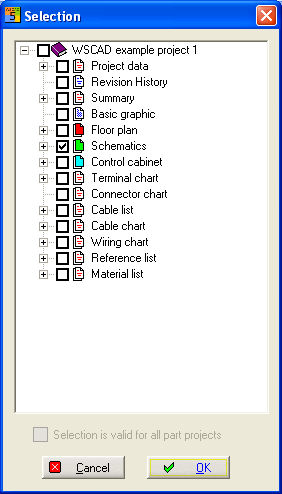
In the PM, you can only print out open projects. Select Project / Print in the menu in order to activate the printing process. A selection dialog will open which lists all the available diagram types. In this dialog, you can decide which file types should be output.
See also
Here you can also select the print order in CPP Projects. After clicking on the Start button, a list is produced of the files which are actually being printed out.
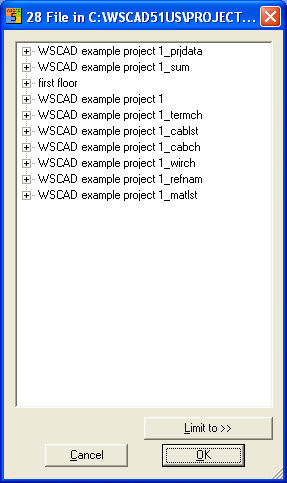
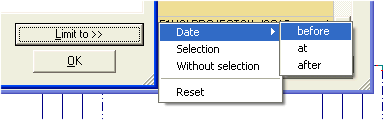
The files being printed out can be determined according to date and selection with the button Limit to>>. Only those files will then be printed out which match the date which you have set in the selection filter. You can select either before, on or after a date or according to a time period, e.g. after 1.01.2000 and before 1.04.2000. Or only selected file types or files are included or excluded.
The dialog only shows the files which can be printed out, for the purpose of checking.
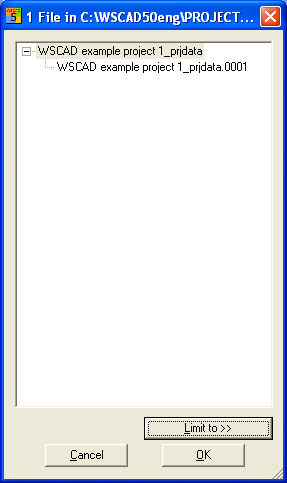
After clicking on the OK button, the Print output dialog starts. You can use this to start printing and, if necessary, configure any setting on your printer driver.